

Somfy RTS vs Zigbee: Which Shade Radio to Choose, and How to Program Each
Somfy builds most of its shade and drapery motors in two radio versions. RTS is the classic one-way radio that has run Somfy shades for decades; Zigbee is the newer two-way radio. Here is how they differ, which one fits your home, and how to pair remotes, set the "my" position and reset each one, step by step from Somfy's own instructions.
RTS or Zigbee for Somfy shades?
Choose RTS when you want the simplest system and the lowest price per motor: any RTS remote pairs in seconds, no app or hub is needed, and RTS covers the widest range of Somfy motors, from roller shades and drapery tracks to exterior screens. Choose Zigbee when you want two-way control, where the remote's light confirms that the shade got the command, Apple Home certification through the TaHoma switch, and wired motors that strengthen their own network.
- Radio: RTS is one-way at 433.42 MHz, away from Wi-Fi; Zigbee 3.0 is two-way at 2.45 GHz, beside Wi-Fi.
- Programming: RTS pairs by holding PROG on a working remote, then pressing PROG on the new one. Zigbee pairs with a Ysia remote, or through the TaHoma app.
- Remotes: they do not mix. An RTS remote cannot run a Zigbee motor, and a Zigbee motor needs a Ysia Zigbee remote or a TaHoma switch.
- Hub: neither needs one. One TaHoma switch runs both: up to 60 Somfy Zigbee products and 40 RTS channels.
- Price: on Somfy's 2026 retail list the Zigbee version of a motor costs $11 to $49 more; a Sonesse 30 is $288.60 in RTS and $338.05 in Zigbee.
We are a Somfy Expert and install both radios, so we have no reason to push one. Every programming step below comes from Somfy's own guides, linked under Sources.
Somfy RTS vs Zigbee, point by point #
Both radios come from the same company and often in the same motor body. The difference is how the remote and the motor talk.
| Somfy RTS | Somfy Zigbee 3.0 | |
|---|---|---|
| What it is | Radio Technology Somfy, Somfy's own radio for shades, drapery, awnings and screens | Somfy motors built on Zigbee 3.0, an open standard from the Connectivity Standards Alliance |
| Radio | 433.42 MHz | 2.45 GHz, the band Wi-Fi also uses |
| Direction | One-way: the remote sends, the motor confirms programming steps by jogging | Two-way: the motor answers, and the remote's light turns green when a setting is confirmed or blinks red when it failed |
| Remotes and switches | Telis, Situo, Smoove and DecoFlex WireFree RTS; up to 12 controls per motor | Ysia 1 and 5 Zigbee remotes; DecoFlex WireFree Zigbee keypads (set up in the TaHoma pro app) |
| Range in open field | 164 ft (Telis RTS remote, Somfy's sheet) | 164 ft (Ysia 5 Zigbee remote, Somfy's sheet) |
| Hub | None needed; TaHoma switch optional | None needed; TaHoma switch optional |
| Apps and voice | TaHoma app, Alexa and Google Home through a TaHoma switch | TaHoma app, Alexa and Google Home through a TaHoma switch, and Apple Home: Somfy's Zigbee 3.0 interior motors are certified since September 2023 |
| Motors | Sonesse 30, 40, 50 and ULTRA 50, Altus, WireFree battery Sonesse and Roll Up, Glydea ULTRA and Irismo drapery, Maestria exterior screens | Sonesse 28, ULTRA 30 and 40 WireFree Zigbee, Sonesse 30 Zigbee 24 V, Sonesse 40 Zigbee, Glydea ULTRA 50 WireFree Zigbee |
| Who can program it | Remotes, "my" and limits from any RTS remote | Remotes and "my" from a Ysia; Somfy recommends the TaHoma pro app for first setup and limits |
| Motor price, Somfy 2026 retail | Sonesse 30: $288.60 | Sonesse 30: $338.05 (Zigbee adds $11 to $49 per motor) |
| Best for | Simple remote control, budget projects, drapery and exterior screens, adding shades to an existing RTS home | Smart-home households, Apple Home, whole-home wired shades on one network |
The RTS remote we hand over most
Somfy product photo
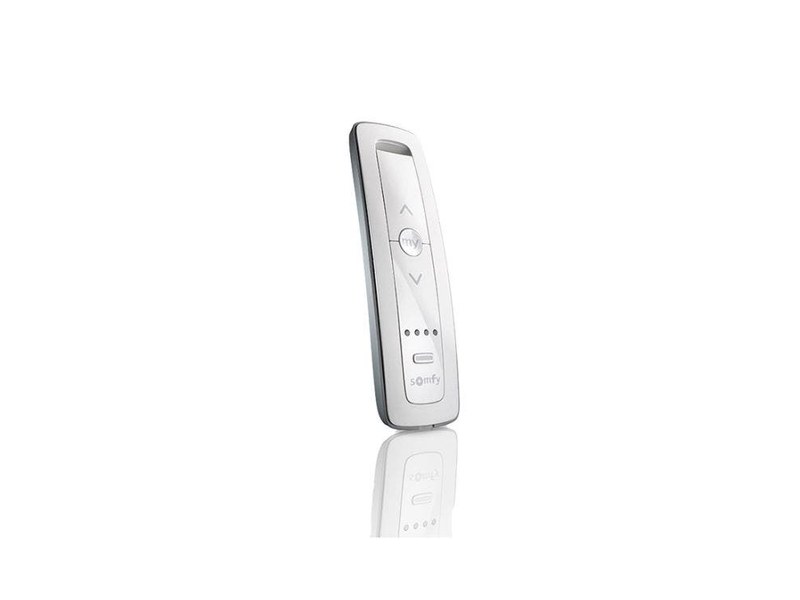
Somfy Situo 5 RTS
Five channels, UP, my and DOWN, and a PROG button on the back. Any RTS motor in the house pairs to it, from a Sonesse roller to an Irismo drapery track. Situo RTS remotes · Telis RTS remotes.
The Zigbee motor we install most
Somfy product photo
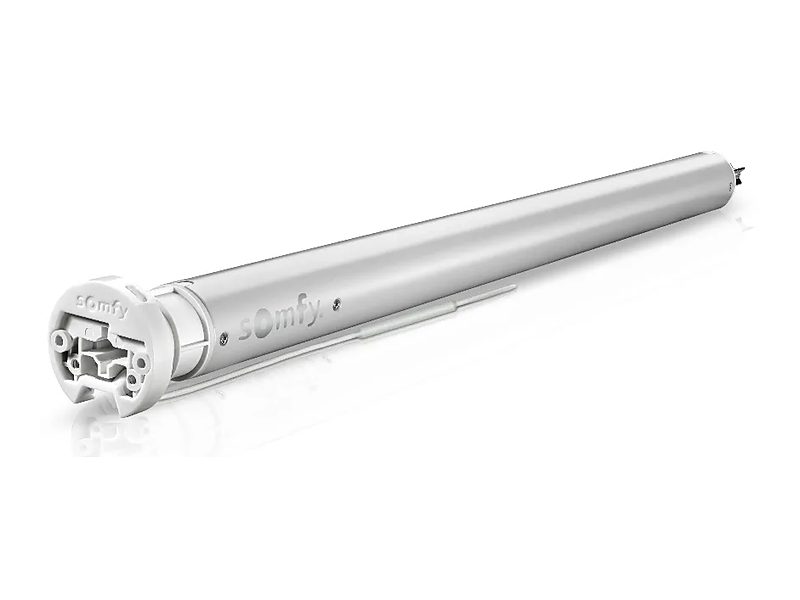
Somfy Sonesse 30 Zigbee
A slim 24 V DC tube motor with a status light and a programming button on its head, run by Ysia Zigbee remotes or a TaHoma switch. The same body is sold in RTS. Sonesse 30 · Ysia Zigbee remotes.
One-way against two-way, 433 MHz against 2.4 GHz #
RTS: send and trust
An RTS remote broadcasts its command and the motor acts on it. The signal passes through walls, so you never aim the remote, and it lives at 433.42 MHz, well away from the Wi-Fi that crowds a condo tower. What RTS cannot do is report back: if a command is missed, nothing tells you, and you press again. For a shade you can see from the remote, that rarely matters.
Zigbee: ask and confirm
A Zigbee motor answers. During programming the Ysia remote's light turns solid green when the motor confirms a setting and blinks red three times when it does not, so you know where you stand. The trade is the band: Zigbee shares 2.4 GHz with Wi-Fi, and strong Wi-Fi on an overlapping channel can force retries. A TaHoma switch placed near the shades, on a channel clear of the busiest Wi-Fi, avoids most of it.
Wired Zigbee motors build the network
Somfy's datasheet for its mains-powered Sonesse 40 Zigbee says it acts as a Zigbee mesh router to extend radio range. Powered Zigbee motors pass messages along for their neighbors; battery motors do not. So a home of wired Zigbee shades strengthens its own network, which is one reason we like Zigbee on wired projects such as Bay Drive in Pompano Beach.
Programming a Somfy RTS motor #
Your remote has UP, my (or STOP) and DOWN, and a small PROG button, usually recessed on the back. Keep a paper clip handy. Every step is confirmed by a jog: a brief up-and-down move of the shade.
Add a remote or wall switch
- On a remote that already works the shade, select the shade's channel (multi-channel remotes only).
- Press and hold its PROG button until the shade jogs.
- On the new remote, select a channel.
- Briefly press the new remote's PROG button. The shade jogs: it is paired.
No working remote? If the motor has a button on its head (Sonesse 30 RTS, WireFree RTS), hold it until the shade jogs once, let go, then do steps 3 and 4.
Remove a remote
- On a remote that will stay paired, press and hold PROG until the shade jogs. Never start with the one you are removing.
- On the remote to remove, select its channel.
- Briefly press its PROG button. The shade jogs: that remote is deleted.
A lost remote cannot be removed this way: erase all remotes with a reset and pair the others again.
Set the "my" favorite position
- Move the shade and press my to stop it where you want it.
- Press and hold my until the shade jogs, about 5 seconds. The position is saved.
To use it, briefly press my while the shade is stopped. To delete it, send the shade there and hold my until it jogs.
Set up a new or reset motor (direction and limits)
- Switch on power to this motor only, then hold UP and DOWN together until the shade jogs.
- Press DOWN. If the shade goes up, hold my until it jogs to reverse the direction.
- Bring the shade to the top you want, then hold my and DOWN until it starts down: top limit stored.
- Press my to stop it at the bottom you want, then hold my and UP until it starts up: bottom limit stored.
- Hold my until the shade jogs: limits saved. Press PROG on the back of the remote until it jogs: paired.
We set limits at installation; you need these steps only after a reset or a motor replacement.
Reset an RTS motor
Head-button motors (Sonesse 30 RTS 24 V, WireFree RTS): hold the head button and count the jogs. Release at the second jog to erase the remotes, at the third to erase everything, limits too. Power-cut motors (Sonesse ULTRA 50 RTS, Altus RTS): cut power to that motor for 2 seconds, restore it for 10 seconds, cut it again for 2 seconds, restore it, then hold PROG on a remote until the second jog. Any other motor on the same circuit enters the same mode, so isolate the one you mean.
Programming a Somfy Zigbee motor #
You need a Ysia Zigbee remote (a Situo Zigbee cannot pair directly) and a paper clip. Program one motor at a time with the remote within 5 feet. Shades already on a TaHoma switch are managed in the TaHoma app instead.
Set up a motor with a Ysia remote, no hub
- Wake the motor: briefly press the head button, plug in the charger or battery, or switch on the power for a wired motor. The shade jogs.
- The motor light should blink amber: programming mode, for 3 minutes. If not, hold the head button about 3 seconds, until one jog.
- Select the channel (Ysia 5), then briefly press UP and DOWN together. The nearest motor in programming mode jogs.
- Press UP. If the shade goes down, hold my until it jogs.
- Hold UP to the top you want, then press my and DOWN together: top limit set.
- Hold DOWN to the bottom you want, then press my and UP together: bottom limit set.
- Briefly press PROG on the back of the remote. The shade jogs and the remote's light turns solid green: set and paired.
Add a second remote
A second Ysia must first join the first remote's network, away from the motors:
- On the new remote, hold PROG until its light goes off after the third red blink; it then blinks amber. This resets it, so use a new or unused remote.
- Next to it, briefly press PROG on the existing remote. The new remote's light turns green.
- Pair it to each shade: hold the motor's head button about 3 seconds until one jog, then briefly press PROG on the new remote.
Remove a remote
- Select the channel and hold PROG until the shade jogs, about 3 seconds.
- Near the motor, briefly press UP and DOWN together. The shade jogs.
- Hold PROG until the remote's light turns solid green, then red, about 5 seconds, and let go at once. The shade jogs: removed.
Set and use "my"
Stop the shade with my, then hold my until it jogs: saved. To go there, press my twice quickly; one press only stops a moving shade. On RTS, one brief press does it, so RTS habits trip people up here.
Reset a Zigbee motor
Hold the head button until the light blinks amber and the shade jogs 3 times, about 15 seconds, then release. This erases remotes, limits, "my" and network pairings, and the motor waits 3 minutes to be set up again.
Adding Zigbee shades to a TaHoma switch Installer work
Somfy's TaHoma pro order: set every motor's limits first, connect the switch to 2.4 GHz Wi-Fi, add wired motors (they relay the signal), then battery motors by scanning each motor's QR label, and add remotes last. Joining TaHoma deletes a motor's existing remote pairings, so remotes are then managed in the app. We do this at installation.
Where programming goes wrong #
The steps people most often get wrong, on either radio.
Holding PROG too long
On both radios, each extra jog erases more. Let go at the jog you want: on RTS head-button motors the second jog clears every remote and the third clears the limits too.
A power-cut reset on a shared circuit
On Altus and Sonesse ULTRA 50 RTS motors, every motor that loses power enters programming mode, so one PROG press can re-pair or erase a whole room. Isolate the motor first.
Removing a remote with itself
On RTS, Somfy's steps start from a remote that will stay paired, never from the one you are removing. A lost remote cannot be removed at all; erase all remotes and pair the others again.
Mixing the radios
An RTS remote cannot reach a Zigbee motor, and a Situo Zigbee cannot pair directly to one. Check the motor label before buying a spare remote, or bring both radios together under one TaHoma switch.
Programming from across the room
Reception is reduced in programming mode on both radios. Stand close to the motor head, within 5 feet for Zigbee, and program one motor at a time.
Pairing remotes before TaHoma
Joining a TaHoma switch deletes a Zigbee motor's remote pairings. If a hub is coming, add the motors to it first and link the remotes in the app.
RTS or Zigbee, home by home #
Our experience What we recommend most often. The visit settles your home.
| Your home | Usually choose | Why |
|---|---|---|
| You want remotes and wall switches, no app | RTS | Pairs in seconds from any RTS remote, costs less per motor, nothing to configure. |
| The home already has Somfy RTS shades | RTS | New shades join the remotes you already have. |
| Drapery tracks, exterior screens or awnings | RTS | The widest choice of Somfy motors, from Irismo drapery to Maestria exterior screens. |
| An Apple Home household | Zigbee | Somfy's Zigbee 3.0 interior motors are certified for Apple Home through the TaHoma switch. |
| Wired shades through a whole home, with scenes and schedules | Zigbee | Two-way confirmation, and powered motors extend the network for each other. |
| Both, or adding to a mixed home | TaHoma switch | One switch runs up to 60 Zigbee products and 40 RTS channels in one app. |
| New construction with an integrator | Often neither radio | Wired Somfy motors on SDN or a control system sidestep radio altogether. |
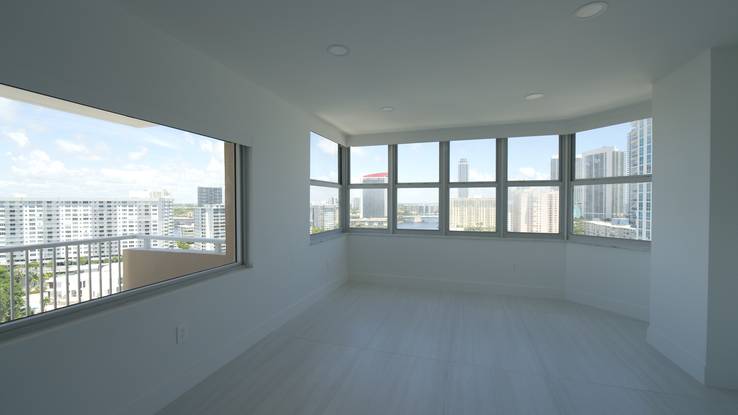
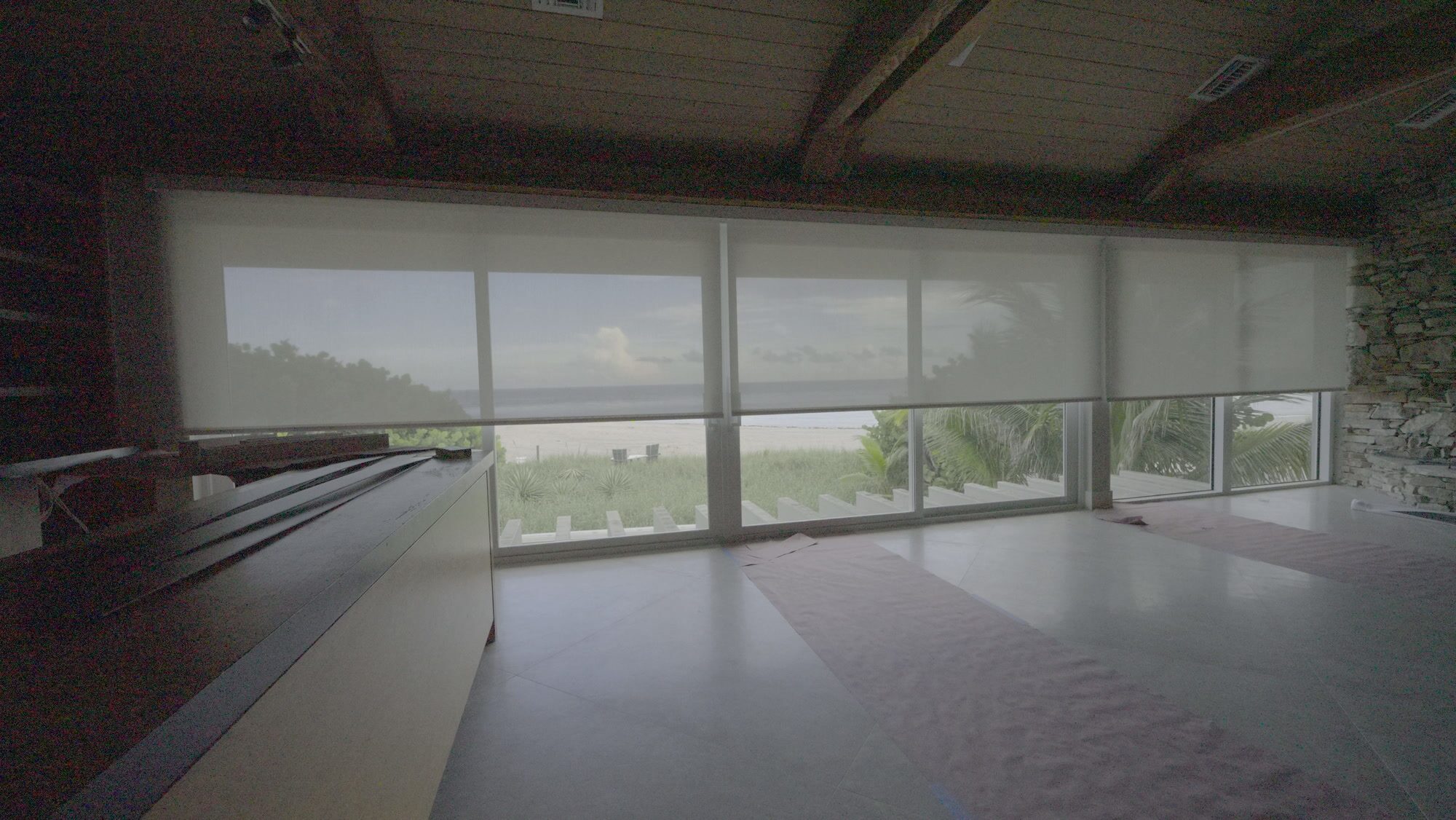
RTS and Zigbee shades we have installed
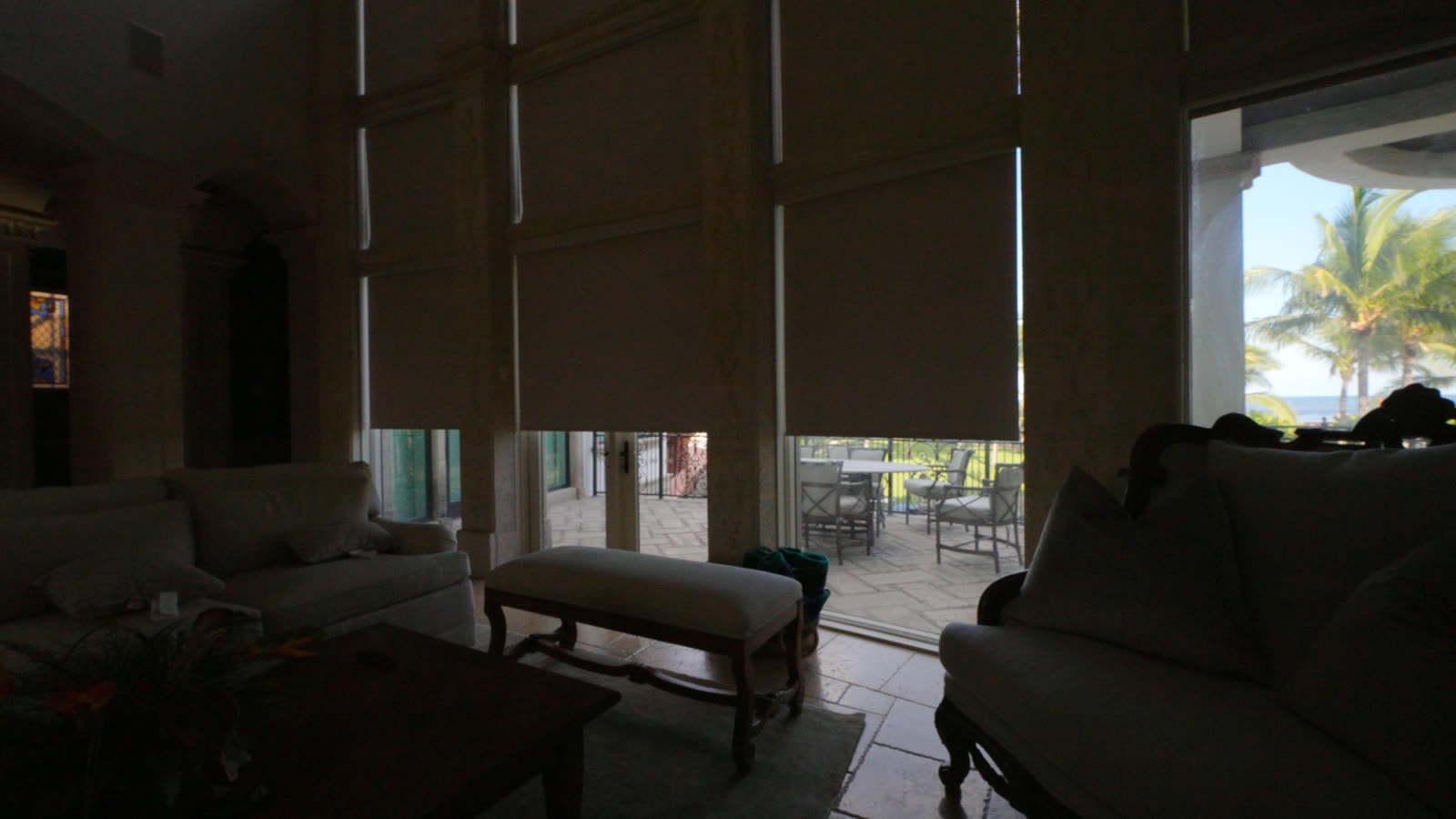
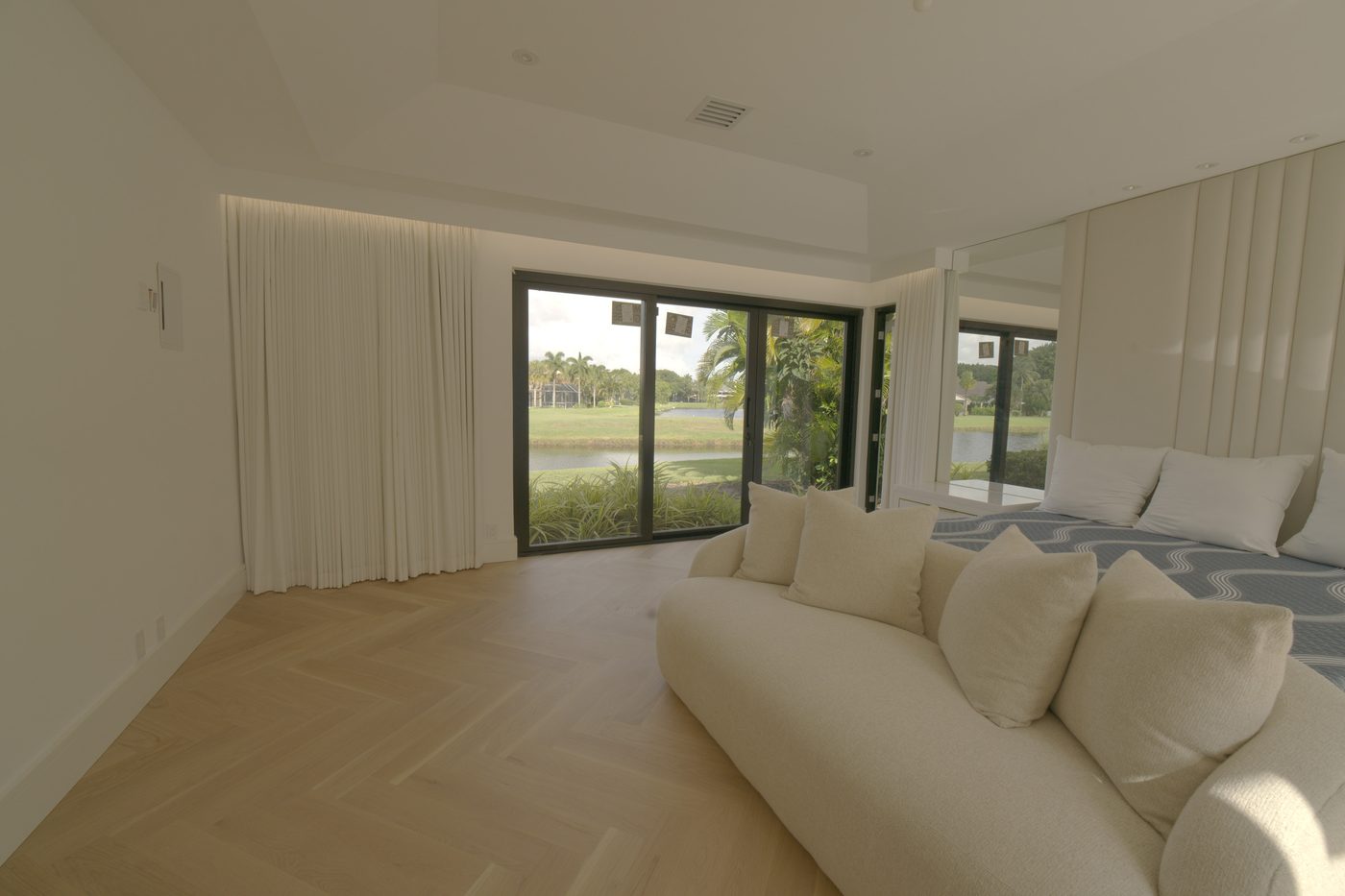
Two homes on Somfy RTS, two on Somfy Zigbee, measured, made, installed and programmed by our own team.
RTS vs Zigbee: questions
Is Somfy RTS or Zigbee better? #
Neither wins everywhere. RTS is the simpler, lower-cost choice: a one-way 433.42 MHz radio that any RTS remote pairs with in seconds, with the widest range of Somfy motors, including drapery tracks and exterior screens. Zigbee 3.0 is two-way at 2.45 GHz: the motor confirms each setting, Somfy's Zigbee interior motors are certified for Apple Home through the TaHoma switch, and wired Zigbee motors extend the network for each other. On Somfy's 2026 retail list the Zigbee version of a motor costs $11 to $49 more.
How do I know if my Somfy shade is RTS or Zigbee? #
Check the motor label or the remote. RTS remotes such as Telis and Situo RTS have UP, my and DOWN and a recessed PROG button. Zigbee motors have a status light and a small programming button on the motor head and QR-code labels, and they run from Ysia Zigbee remotes.
Can an RTS remote control a Zigbee motor? #
No. RTS remotes transmit at 433.42 MHz and Zigbee motors listen at 2.45 GHz. A Zigbee motor needs a Ysia Zigbee remote, a DecoFlex WireFree Zigbee keypad set up in TaHoma pro, or a TaHoma switch. A Situo Zigbee remote cannot pair directly to a Zigbee motor. One TaHoma switch can run RTS and Zigbee shades together in one app.
How do I add a remote to a Somfy RTS shade? #
On a remote that already works the shade, select its channel and press and hold PROG until the shade jogs. Then select a channel on the new remote and briefly press its PROG button: the shade jogs again and the new remote is paired. An RTS motor stores up to 12 controls.
How do I pair a Ysia remote to a Somfy Zigbee shade? #
Hold the button on the motor head about 3 seconds, until the shade jogs once; the motor light blinks amber. Select the channel on the Ysia and briefly press PROG within 5 feet of the motor: the shade jogs and the remote's light turns green. A second Ysia must first join the first remote's network, and shades on a TaHoma switch are paired in the TaHoma app instead.
Why does my Zigbee shade not go to my favorite position with one press? #
On Somfy Zigbee shades you press my twice quickly to send the shade to its favorite position; one press only stops a moving shade. On RTS, one brief press of my sends a stopped shade there.
How do I reset a Somfy RTS or Zigbee motor? #
On RTS motors with a head button, hold it and release at the second jog to erase the remotes or at the third to erase everything. On Sonesse ULTRA 50 RTS and Altus RTS motors, cut power twice (2 seconds off, 10 on, 2 off, then on) and hold PROG on a remote until the second jog. On Zigbee motors, hold the head button until the light blinks amber and the shade jogs 3 times, about 15 seconds; this erases remotes, limits, my and network pairings.
Do Somfy RTS or Zigbee shades need a hub? #
No. Both run from remotes alone. A TaHoma switch adds the TaHoma app, scenes, schedules, Amazon Alexa and Google Home for both radios, and Apple Home for Zigbee. One switch handles up to 60 Somfy Zigbee products and 40 RTS channels.
Can I switch from RTS to Zigbee later? #
The radio is built into the motor, so changing radio means changing the motor and its remotes. If you only want app and voice control, a TaHoma switch brings existing RTS shades into the TaHoma app, Alexa and Google Home without replacing anything.
Where the steps and figures come from #
All documents accessed October 2026. Motor and remote prices and radio figures are Somfy's 2026 retail list and specification sheets as published on our Somfy pages. Where Somfy's documents differ by motor, our Somfy programming guide gives each model's steps.
- Somfy, Radio Technology Somfy Pocket Programming Guide (L-0156, 8/2022)
- Somfy, Zigbee Standalone Solution using Ysia remotes (V1.1, March 2024)
- Somfy, TaHoma Pro programming guide, dealer version (V1.6, September 2024)
- Somfy, Sonesse 30 Zigbee instructions (5169984A, 06/2023)
- Somfy, Sonesse 28 WireFree Zigbee Li-ion instructions (5157669B, 07/2023)
- Somfy, Sonesse 40 Zigbee technical datasheet (Apr 2025)
- Somfy, Apple Home certification for Zigbee 3.0 products (Sep 26, 2023)
- Silicon Labs, Wi-Fi impact on 802.15.4 radios
Discerning homeowners, designers, and developers across South Florida trust Exotic with their most important spaces.
“I’m absolutely blown away and in love with my ripple food curtains !! Everything about them from the install to the fabric and quality . My house feels so much more like a home I couldn’t have asked for anything better . I recommend to everybody !”
“I couldn’t believe how much of a change these new drapes could make! This company upgraded my apartment overlooking the water and it now has a fresh, art deco’ish vibe I can only picture in my head. The space feels modern and elegant without losing its at home feeling. From start to finish top notch work. I highly recommend them if you want your place to look like something out of a magazine.”
“I’m really happy with my new curtains! The team from Exotic Shades came to my place helped me choose the right fabric, and guided me through the whole process. Everything happened exactly as it was supposed to. Great service and beautiful results. Highly recommend A+”
Exotic Shades & Draperies, Fort Lauderdale and Miami Beach
Exotic Shades & Draperies is a South Florida window-treatment company that designs, sews and installs its own work: Lutron and Somfy motorized shades, custom draperies sewn in our Fort Lauderdale workroom by five in-house seamstresses, plantation shutters and blinds. Established in South Florida in 2024, backed by more than 20 years of window-treatment manufacturing and installation experience. Lutron certified dealer, Somfy Expert, Crestron and Control4 integration. The same in-house team measures, installs and programs every project; when shading has to integrate with another control system, we bring in our smart-home partner Adom Smart Home.
Fort Lauderdale workroom and showroom
4539 Powerline Rd, Fort Lauderdale, FL 33309 · 954-881-9331
Miami Beach showroom
500 South Pointe Dr #150, Miami Beach, FL 33139 · 954-872-9007
Where we install
Miami-Dade, Broward and Palm Beach counties: Miami Beach, Sunny Isles and Aventura through Hollywood, Fort Lauderdale and Pompano Beach to Boca Raton, Delray Beach and West Palm Beach, with projects in the Caribbean and New York.
How a project runs
Free in-home measurement, a written quote from the same engine as our published prices, fabrication in our own workroom, installation and programming by our own team, and service on the systems we install.
Somfy RTS and Zigbee shades from Miami to Palm Beach
From Miami Beach, Sunny Isles and Hallandale Beach to Fort Lauderdale, Pompano Beach, Boca Raton and Palm Beach, measured, made and programmed by our own team.
Not sure which Somfy radio fits your home?
One free hour with our team routinely saves owners thousands in avoidable mistakes. Book a private, complimentary consultation - we bring Somfy and Lutron samples and tell you which system your house wants.